Start with the pages you have
Upload a PDF or images instead of rebuilding your publication in a new editor. Prepare and preview pages in your browser.
PDF and image flipbooks
Create a magazine, catalogue, portfolio or event programme from a PDF or images. Choose the reader’s appearance, then share a link or embed the publication on your website.
Try the reader without an account. Sign in to publish your own.
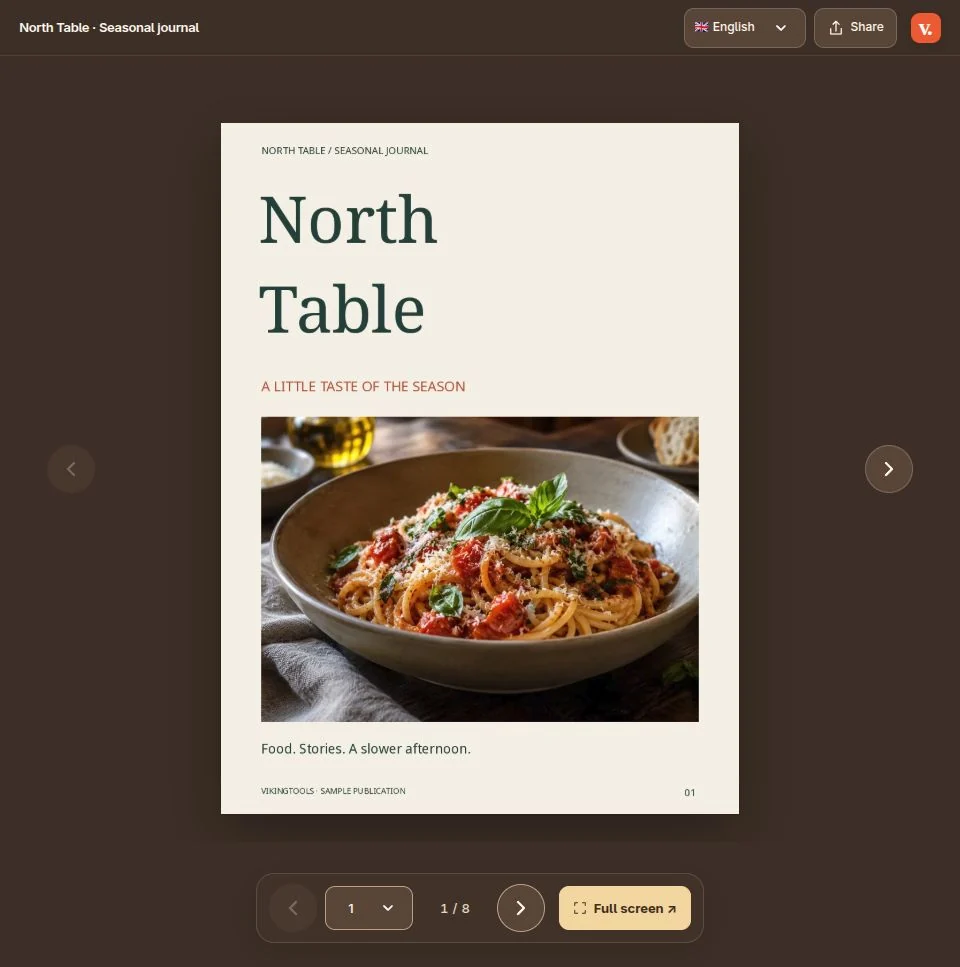
Upload a PDF or images instead of rebuilding your publication in a new editor. Prepare and preview pages in your browser.
Single-page and magazine layouts, viewer themes, zoom and fullscreen make the publication comfortable to read. The publisher chooses the layout and theme.
Send the publication’s link or embed the reader on another website. Your audience gets a viewing experience rather than editing access.
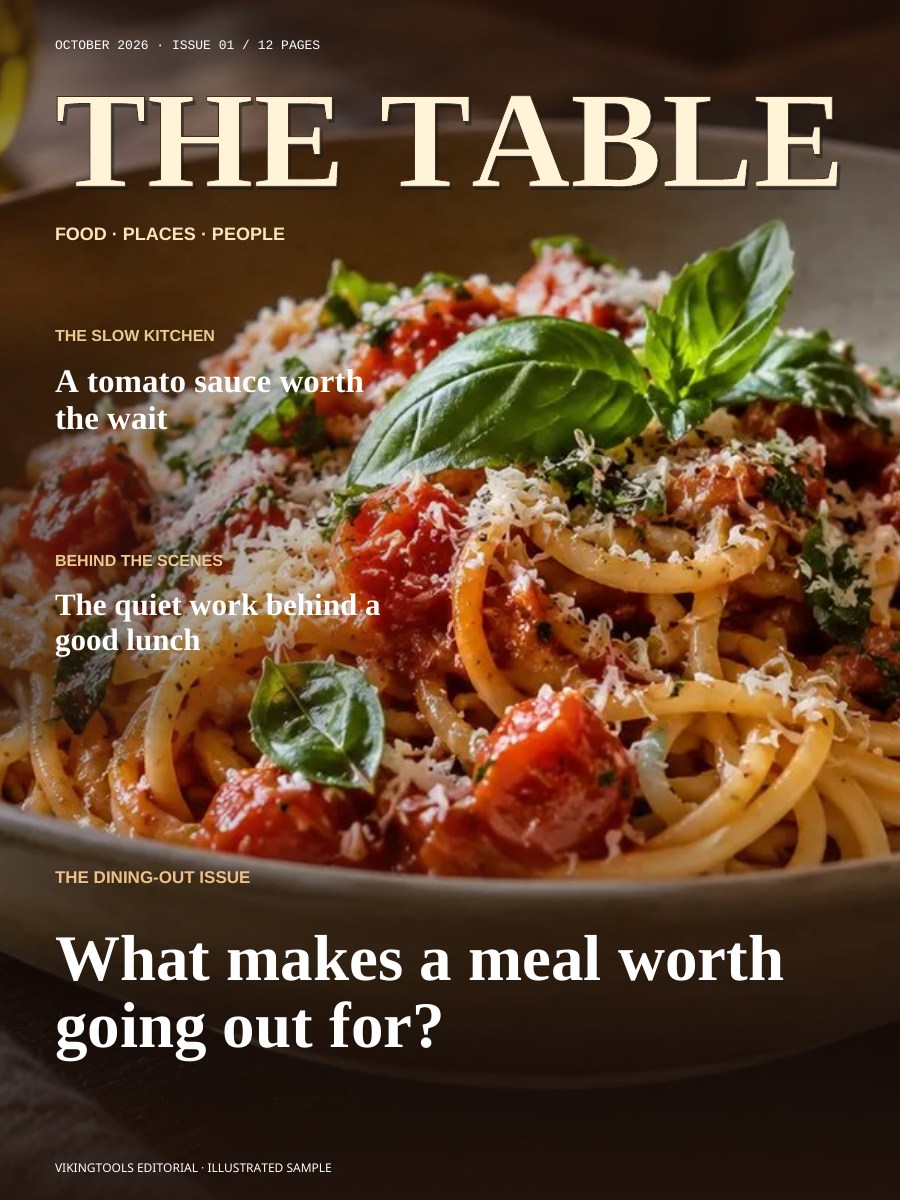
Bring photographs, guides and portfolios together in a publication people can browse, share and come back to.
Three simple steps
Use a short PDF or a few page images for your first publication. Check the reader before you share it.
Read the practical guides ↗Use finished page layouts and check the page order. Browser processing prepares the publication before you choose to publish it online.
Preview the pages, zoom into important text and choose the reader’s layout and appearance.
Sign in to save a hosted publication. Open its public link on a phone, then copy its share link or embed code.
Your archive
Your flipbook archive holds saved publications, their reader settings, share links and embed codes. Open a saved book to change its appearance or replace its content with a corrected PDF or new images. Replacing content keeps the publication’s existing link; deleting it removes the hosted reader.
Start free
Start with the free account. Choose membership when its extra capacity is useful to you.
Up to 5 saved flipbooks and 24 MB of hosted publication storage across your account.
Sign in or create an accountUp to 20 saved flipbooks and 50 MB of hosted publication storage. Upload and individual publication limits still apply.
Membership also removes ads across VikingTools.
See membership in my accountMembership renews monthly; cancel from your account. Check the final price, payment availability and terms before subscribing. Membership raises selected limits, not every limit. Membership terms.
Explore the tool
Turn the pages and try the reader controls with a sample publication. Open the maker when you are ready to use your own PDF or images.
Your questions, answered
Yes. The creator accepts PDF files and page images. Arrange the images in the order you want readers to see them.
No. The public reader lets visitors read, zoom and share. The account owner manages content, layout and themes in the archive.
Page preparation happens in your browser. Choosing to publish online uploads the prepared publication to VikingTools so your audience can open its link. Keep your original files as a separate backup.